
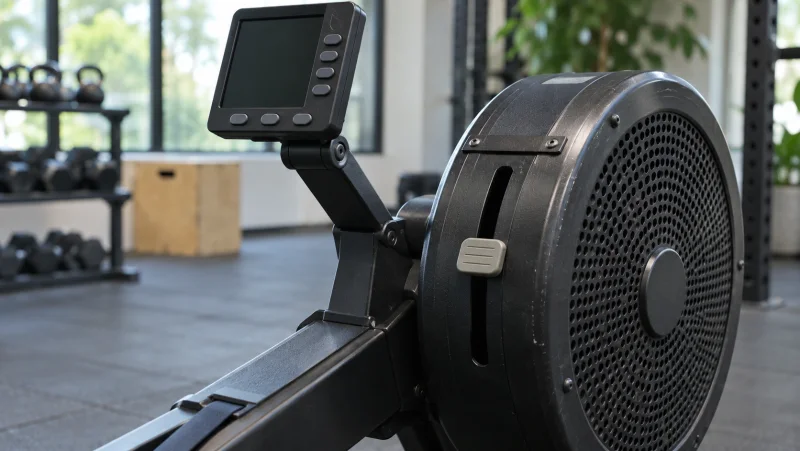
Three different settings and measurements
On a Concept2, the 1–10 lever, drag factor and PM5 readings describe different things. The lever changes airflow, drag factor describes the measured flywheel behaviour, and the monitor presents your work. Setting the lever to 10 therefore defines neither your ability nor a good session.
| Reference | What it helps explain | What not to assume |
|---|---|---|
| Damper | The mechanical airflow-lever position | A fixed intensity or universal difficulty rating |
| Drag factor | Flywheel load measured by the monitor | The same target for every person |
| 500 m pace | Time corresponding to a distance | Your strokes per minute |
| Stroke rate | Cycles per minute | Speed on its own |
Prepare the machine and stroke first
Check that the seat and handle move freely, the machine is stable and the space behind you is clear. Adjust the footrests and straps for secure contact. Monitor settings do not compensate for a setup that obstructs your movement.
Take a few easy strokes to establish the sequence. Our rowing-technique guide explains the phases. This article helps you find useful settings rather than adding intensity before you understand the task.
Which Concept2 damper setting should you choose?
Concept2 suggests starting between 3 and 5, then adjusting to your stroke and feel. This manufacturer reference is not a universal competition instruction. Effort also depends on how you drive the handle, not simply the lever number.
To understand a change, keep the task consistent and alter one variable at a time. When switching machines at a gym, do not assume the same lever position will feel identical. A recorded reference is more useful than copying the person beside you.
How to display drag factor on the PM5
In the PM5’s English menus, open More Options, choose Display Drag Factor and take a few strokes to see the reading. Labels can differ with language and firmware; check the instructions for your monitor if its menu differs.
Record the reading alongside the lever position, then return to your workout. There is no universal Wodball drag-factor target to achieve here. If you follow coached programming, ask for a reference appropriate to that context.
Set up a distance before starting
Concept2 documents the path Select Workout → New Workout → Single Distance for a defined distance. Enter the distance and confirm it. For intervals, select the required interval type and check the recovery setting before starting.
Preparing this avoids finishing a piece while wondering where it began on the running counter. In group training, arrange machines before the clock starts where practical. In competition, the judge’s instructions and event rules take priority.
Which readings should you watch?
Choose a readable display using the task’s units: distance and time for metres, or monitor calories when prescribed. Average pace describes the piece, while instantaneous pace can vary from stroke to stroke. Strokes per minute describe rhythm rather than efficiency on their own.
The rowing-pace calculator checks the relationship between time, distance and 500 m pace. It does not add WOD transitions or predict a future performance.
What should you record for repeat comparisons?
- The machine used and the programmed task.
- Prescribed distance or calories, time and recoveries.
- The observed settings and drag factor when recorded.
- Average pace and any movements performed before or after rowing.
- Workout adaptations, so different versions are not confused.
Progress is not restricted to one number becoming smaller or larger. You might also aim to repeat a steadier effort, prepare the machine more easily or improve the transition into another station. Explore different contexts in the rowing WOD and CrossFit workout selection.
Frequently asked questions
Is setting 10 best for CrossFit?
No: it does not measure your level. Distinguish learning recommendations, your programming and any specific competition rules.
Are two Concept2 machines on setting 5 identical?
The same number does not guarantee the same drag factor. Record the reading when comparing your references between machines.
Why do my PM5 menus look different?
Language and firmware versions can change labels or menu organisation. Consult the official instructions for your version instead of changing settings at random.
Sources
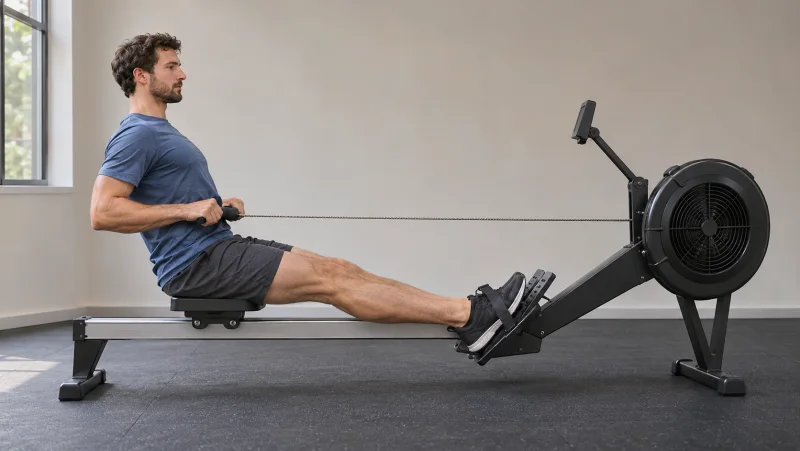 Calculateur d’allure rameur : temps, distance et rythme au 500 m
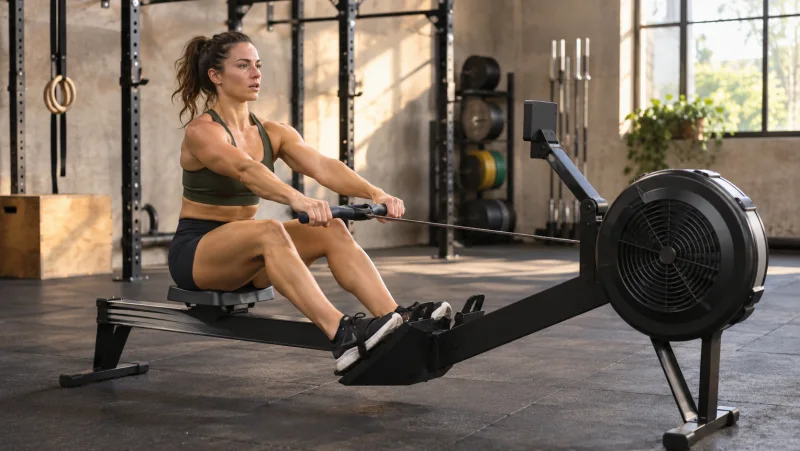 WOD rameur : séances CrossFit